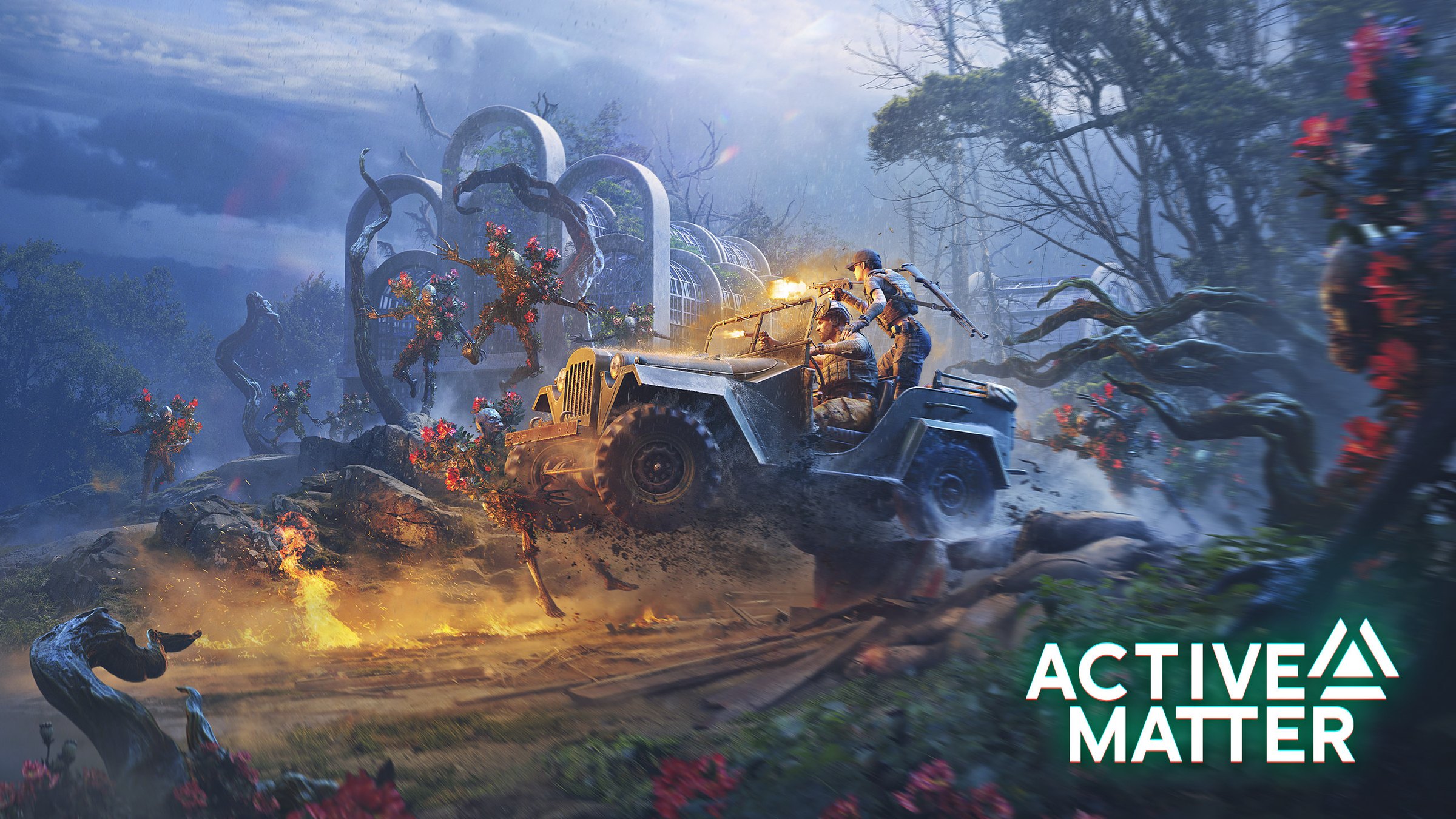
Active Matter How to Play: Ultimate Beginner Guide
Learn active matter how to play with this ultimate beginner guide. Master extraction raids, weapon replication, monster survival, and progression tips today.
Video Guide
A Simple Beginner's Guide To Active MatterTable of Contents
Welcome to the fractured multiverse of Gaijin Entertainment's latest hardcore tactical release. If you have been wondering about active matter how to play mechanics, you are certainly not alone in navigating its complex menus and brutal survival loops. Whether you are dropping solo into Dalniy Island or grouping up with squadmates to hunt for rare loot, understanding the foundational rules is the difference between a successful extraction and losing your hard-earned gear.
Mastering active matter how to play fundamentals requires balancing intense PvE anomaly encounters, managing your base shelter, and optimizing your raid objectives. In this comprehensive guide, we will break down everything from menu navigation and shop management to high-value looting strategies and combat survival.
Quick answer
To succeed in Active Matter, you must balance raid contract objectives with careful extraction planning, utilize the Refiner to sell loot and craft passive chrono traces, and progress through the Monolith tree to unlock better gear tiers.
Understanding the Hub: Menus, Maps, and Missions
When you first launch into the game after finishing the brief tutorial, you are greeted by a centralized hub screen filled with various tabs and currencies. Figuring out active matter how to play efficiently starts right here in the staging area. According to community reports from veteran players, the user interface can feel overwhelming during your first few sessions, so let's simplify the layout.
The screen is generally split into two main operational sides when selecting a raid. On the left side, you will find available maps that rotate every 21 minutes, while the right side displays your active contracts and missions.
Hub Section
Function & Details
Player Recommendation
Map Selection (Left)
Rotates every 21 minutes; changes available operational zones.
Check timer before queueing to ensure your desired map is active.
Missions (Right)
Contracts required to enter specific raids and earn Monolith tokens.
Keep at least one simple contract active to avoid restrictive extraction rules.
Shop Tab
Buy weapons, ammunition, medicine, and weapon attachments.
Use the right-click "Buy Suitable Equipment" feature for faster kitting.
Profile Tab
Tracks warning dangers and encountered monster anomalies.
Read anomaly profiles to learn enemy weaknesses and kill requirements.
When managing your contracts, pay close attention to the small red exit symbol attached to certain missions. Community feedback highlights a common beginner trap: missions with a red exit icon require you to complete specific tasks—such as taking a photograph or collecting designated items—before you are allowed to extract. If you attempt to exit the raid without finishing these mandatory objectives, you will find yourself trapped with rapidly diminishing time. If you want a relaxed learning raid, decline these contracts in favor of straightforward exploration tasks.
Streamlining Your Loadout and Shop Management
Buying gear piece by piece through the standard shop catalog can waste precious time between raids. A major breakthrough in learning active matter how to play smoothly involves utilizing the game's quick-buy and inventory filters. Instead of manually scrolling through weapon mods and armor categories, you can interact directly with your character tab.
By left-clicking an empty equipment slot, the game instantly highlights compatible items currently sitting in your stash. If a slot is completely empty, right-clicking and selecting "Buy Suitable Equipment" opens a filtered window showing only items that fit that exact slot.
Equipment Slot
Best Early Game Choice
Why It Matters
Primary Weapon
M12 Trench Shotgun or MP5
Exceptional close-range stopping power against aggressive monsters.
Backpack
USSR Hiking / Climbing Backpack
Maximizes volume for carrying valuable miscellaneous loot and plates.
Armor / Plates
Steel or Ceramic Armor Plates
Essential for surviving sudden ambushes from hostile operatives and AI.
Pouch Slot
Army Pouches
Secure early storage expansion for high-value items during raids.
According to veteran community guides found on platforms like Overgear, bringing enough ammunition and utilizing quick-heal hotkeys (such as pressing 'T' to automatically consume medical items in quick-access slots) will dramatically increase your survival rate. Always double-check your magazine supplies before deploying, as manually reloading loose bullets during an active firefight is a fast track back to the lobby.
Surviving the Multiverse: PvE Threats and Anomalies
Unlike traditional extraction shooters where human players represent 90% of the danger, Active Matter treats its PvE elements as a primary lethal threat. The game blends tactical military combat with SCP-inspired anomalies and twisted entities roaming Dalniy Island and African-inspired regions.
Monsters such as Turned Soldiers and Flowermen are remarkably fast, aggressive, and capable of flanking careless operatives. Rushing blindly into buildings or narrow corridors will quickly get you surrounded. Instead, you can weaponize the environment. For instance, firing near a Flowermen nest while hostile AI are nearby can spark a chaotic three-way firefight, giving you a window to escape or pick off weakened targets.
Anomaly / Enemy Type
Primary Behavior
Recommended Countermeasure
Turned Soldiers
Aggressive former operatives patrolling industrial ruins.
Use shotguns (like the MB590 or M12 Trench) or SMGs for high DPS.
Flowermen
Corrupted entities tied to anomalous flora zones.
Keep your distance, use flamethrowers or high-caliber rifles.
Distorted Anomalies
Reality-warping entities that react to player movement.
Toss objects or bolts to trigger them safely before passing.
Before engaging unfamiliar creatures, open your Profile tab and review the Warning Danger section. Once you have encountered an anomaly in the field, this interface updates with detailed operational data, helping you learn exactly which weapon types are required to complete specific hunting contracts.
Progression, the Monolith, and Weapon Replication
Long-term survival and power scaling in the game revolve around the Monolith progression tree and the Replicator system. Understanding active matter how to play at an advanced level means knowing how to turn spent resources into endless gear loops without constantly draining your credit balance.
Monolith access levels (Alpha, Beta, Gamma, and beyond) are unlocked by spending Monolith tokens earned through contract completion, alongside meeting specific gameplay requirements like total kills and successful extractions. Unlocking higher Monolith tiers grants access to superior helmets, large backpacks, and powerful weaponry in the shop.
Use gear to replicate gear
The Replicator system requires you to use specific items in raids—scoring monster kills, hitting anomalies, or extracting safely—to accumulate chrono traces for blueprints. Once unlocked, you can duplicate your favorite weapons and tools directly at your base.
Additionally, the Refiner plays a dual role in your shelter economy. Drag unwanted weapons, armor plates, and miscellaneous loot into the Refiner to convert them into valuable Active Matter Credits. Simultaneously, you can fuse enemy remains (such as Turned Soldier or Flowerman remains) to discover passive chrono trace buffs, granting perks like increased movement speed or enhanced shock resistance.
Essential Pro Tips for Loot Goblins
Maximizing your profit per raid requires efficient space management and map awareness. Veteran players suggest treating every extraction run with strict organization to ensure you leave no valuable resources behind.
Storage Optimization: Use left-shift plus left-click to equip items instantly, and alt plus left-click to transfer loot quickly into your stash or storage containers.
Heavy Weapon Storage: Your safe container can hold oversized weapons even if it exceeds standard volume limits, making it an incredible tool for extracting expensive firearms safely.
Chronological Value: Common items generally yield 0.25 chrono traces per volume, while rare items offer up to 0.5 traces. Prioritize high-value miscellaneous notes hidden in houses and administrative buildings.
Stay Mobile: The game's design punishes camping. Shrinking end zones and aggressive PvE pressure encourage constant, tactical movement toward extraction portals.
For official updates, patch notes, and purchasing options across PC, PlayStation 5, and Xbox Series X|S, you can check the official Active Matter Game Page.
Frequently Asked Questions
Is Active Matter a free-to-play game?
No, Active Matter is a premium, paid extraction shooter. The developers have chosen a buy-to-play model to ensure robust anti-cheat enforcement, maintain a balanced in-game economy, and protect the overall player experience from the severe cheating issues common in free-to-play multiplayer titles.
How do I sell items and get credits in Active Matter?
To sell weapons, armor, and surplus loot, you need to use the Refiner tab in your hub shelter rather than the standard shop. Drag unwanted items into the refiner slots and start the process to convert physical gear into Active Matter Credits and valuable crafting materials.
What are Monolith tokens used for?
Monolith tokens are earned by completing raid contracts and missions. They are essential currency used to unlock higher Monolith access tiers (such as Beta and Gamma) and purchase powerful weapon blueprints, advanced armor plates, and equipment upgrades.
Can I play Active Matter solo?
Yes, you can drop into raids entirely solo or play in co-op squads of up to three players. While solo play is significantly more brutal due to aggressive PvE threats, careful route planning, bringing extra ammunition, and utilizing safe containers will help you succeed.